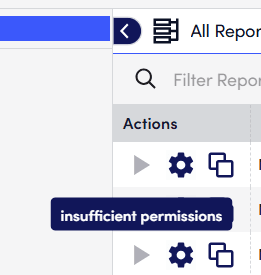
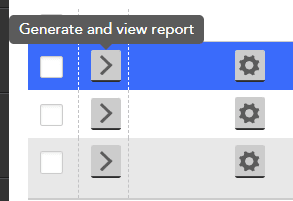
Hi Justin_Lanoue basically You must enable the User Access permissions to run the reports and view existing reports. To enable the access, navigate to Settings > User and Roles > Permissions > Reports. For more information, see Reports Role Permissions in our product documentation.
However, that this change will be rolled back in the upcoming v213 release, so the need for explicitly enabling this permission will no longer apply moving forward.

sidd_pin
Hi Justin_Lanoue basically You must enable the User Access permissions to run the reports and view existing reports.
To enable the access, navigate to Settings > User and Roles > Permissions > Reports.
For more information, see Reports Role Permissions in our product documentation.
This has mentioned in 212 release notes.
https://www.logicmonitor.com/release-notes/v-212-release-notes#h-reports
However, that this change will be rolled back in the upcoming v213 release, so the need for explicitly enabling this permission will no longer apply moving forward.